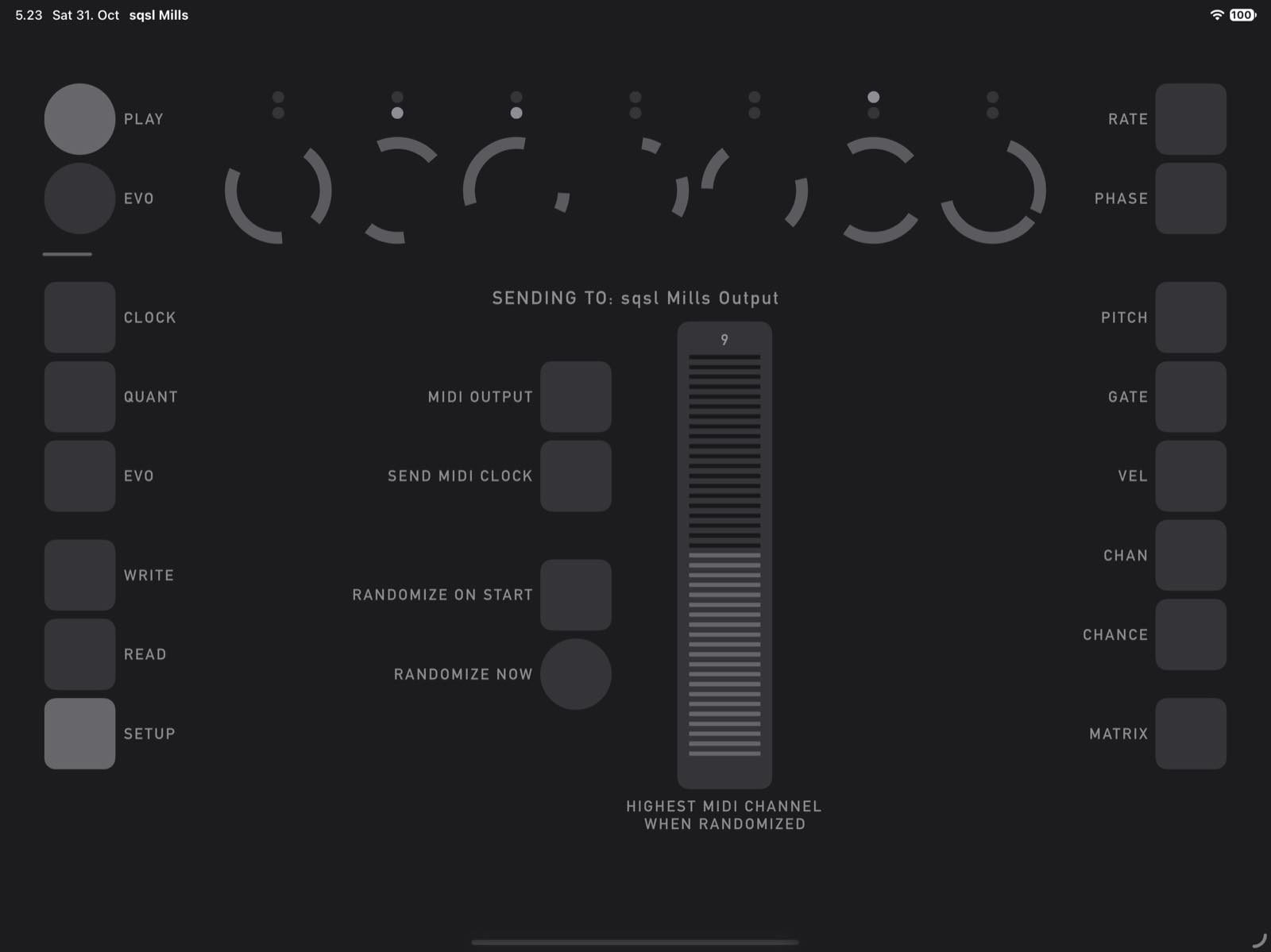
Most sequencers place musical events on a single shared timeline. This one has no such timeline to place notes on. Instead, it combines seven separate pulse generators (LFO), each running at its own timing.
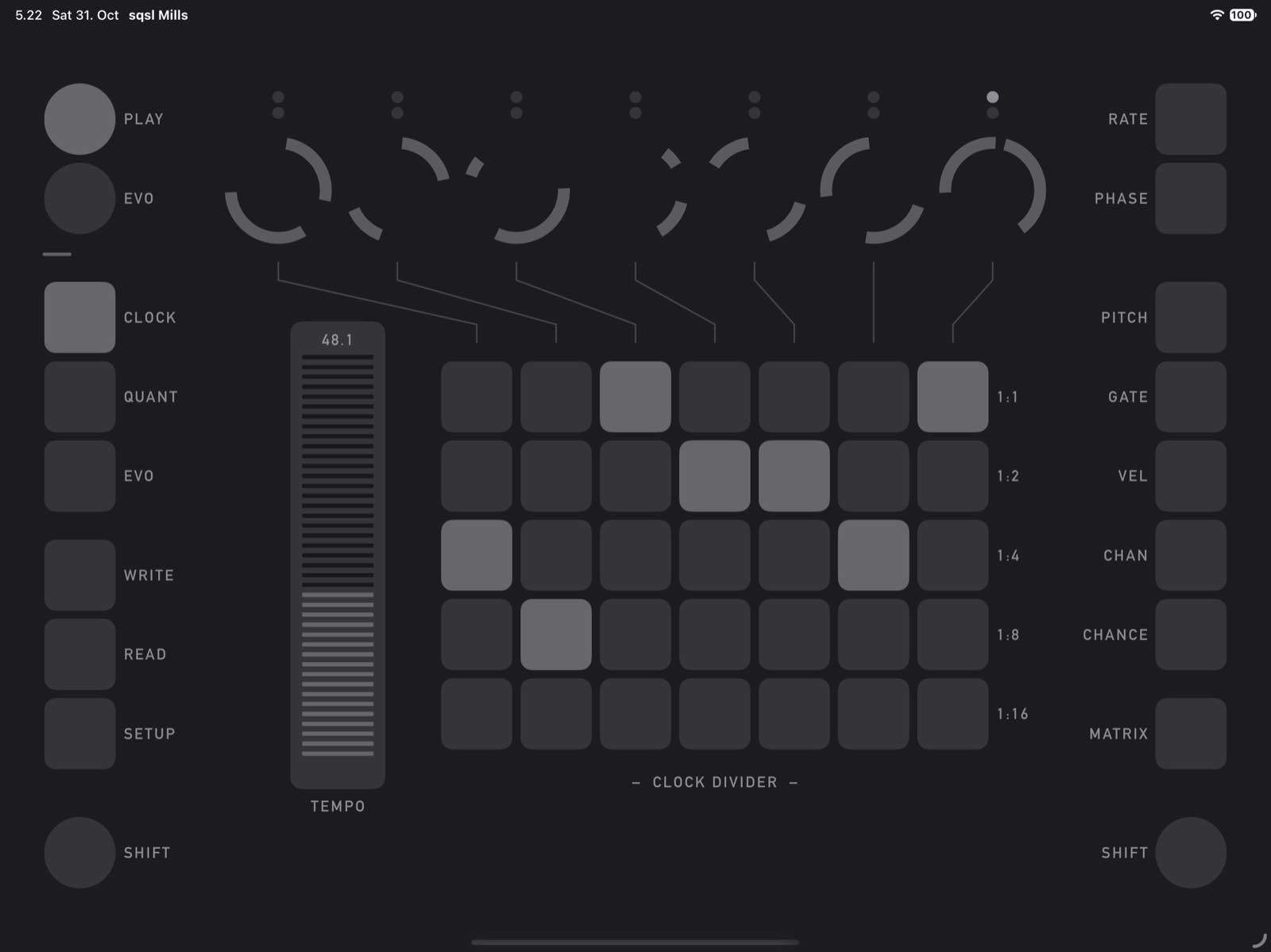
All seven take their timing from a master clock, and each generator offsets its frequency from that clock. The TEMPO control on the CLOCK page sets the master clock's speed, so you can speed up or slow down the whole sequence at once.
Each generator simply repeats its two notes, so there is a strong sense of repetition. But when the generators run freely, they aren't in sync, so their short loops keep falling into new alignments and the combined pattern keeps changing. If you want more rhythmic order, use the Sync setting to quantize the generators' frequencies.
How a channel works
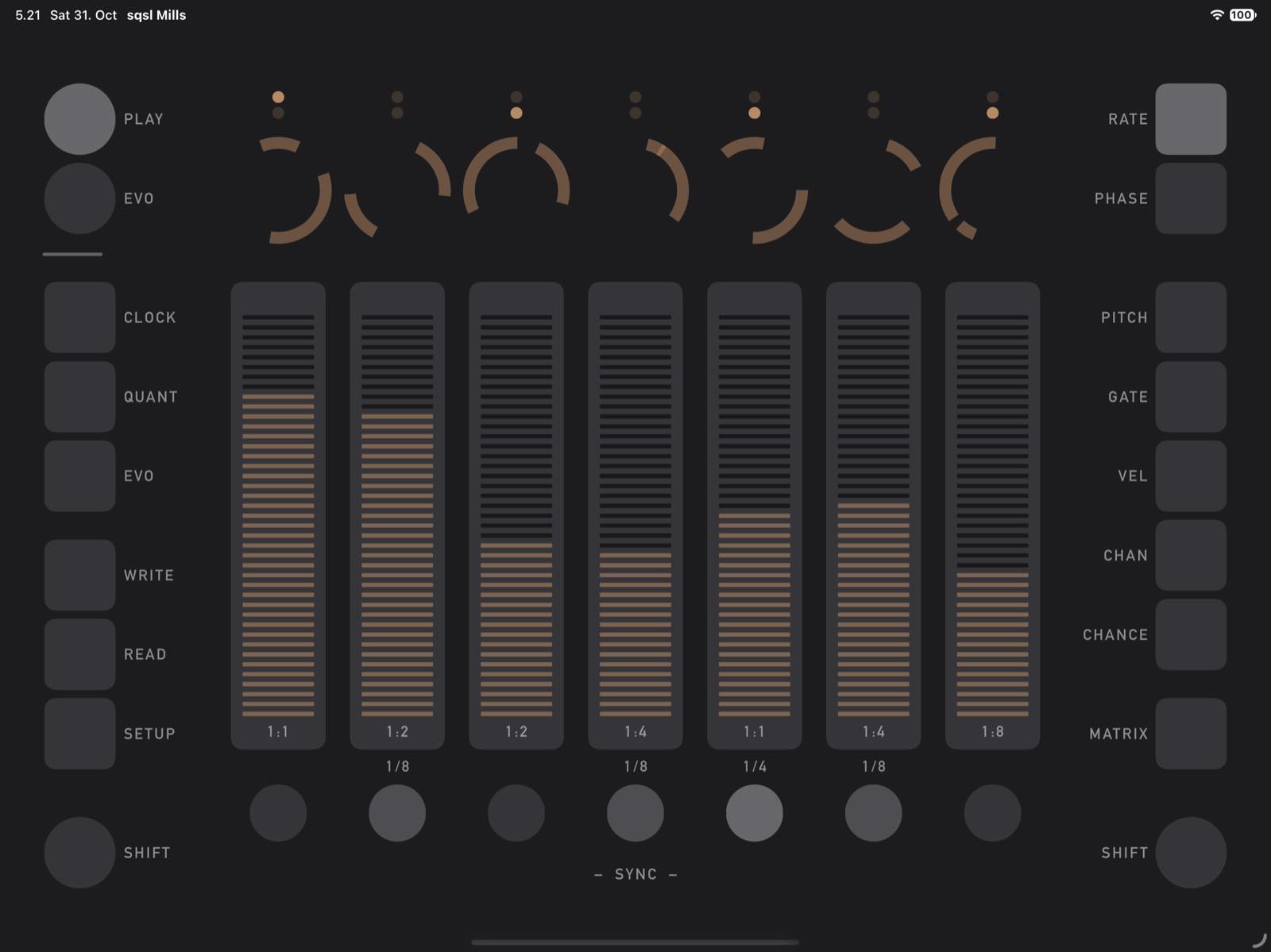
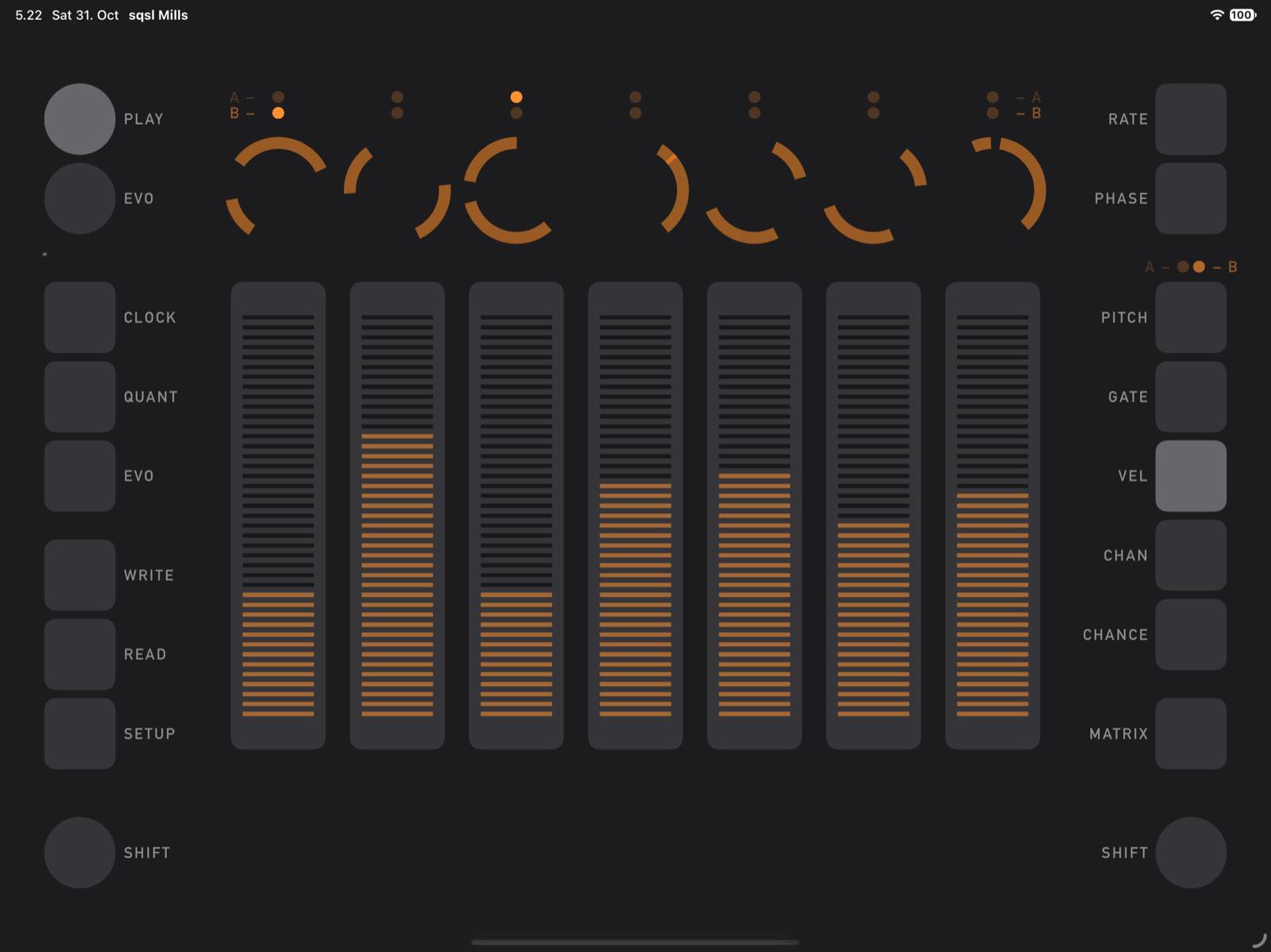
Each of the seven channels is built around a pulse generator that works like a square-wave LFO. It has four controls:
- RATE: how fast the pulse repeats, set as an offset from the master clock
- PHASE: the pulse width, which sets the spacing between the channel's two notes (within a single cycle)
- CLOCK DIVIDER: slows the generator by a fixed ratio, from 1:1 to 1:16
- SYNC: sets how the frequency is quantized
When Sync is on, generators lock into rhythmic ratios. Quantizing happens after the master clock's speed is applied, so changing Tempo can also change the ratios between generators. At low tempos, a generator's frequency can round down to zero, which stops it until the tempo goes back up.
Each pulse produces two triggers, and each trigger can become a note:
- GROUP A: notes triggered by the rising edge
- GROUP B: notes triggered by the falling edge
So every channel can play two different notes, each with its own settings:
- PITCH: passes through a quantizer shared by all channels, which keeps every note in the chosen scale
- ROOT: forces the note to the root pitch class, since the quantizer works with pitch classes; the pitch value still decides which octave the note plays in
- VEL: velocity
- GATE: note length
- CHAN: MIDI channel
- CHANCE: the probability that the note is actually sent, checked last
Quantizer
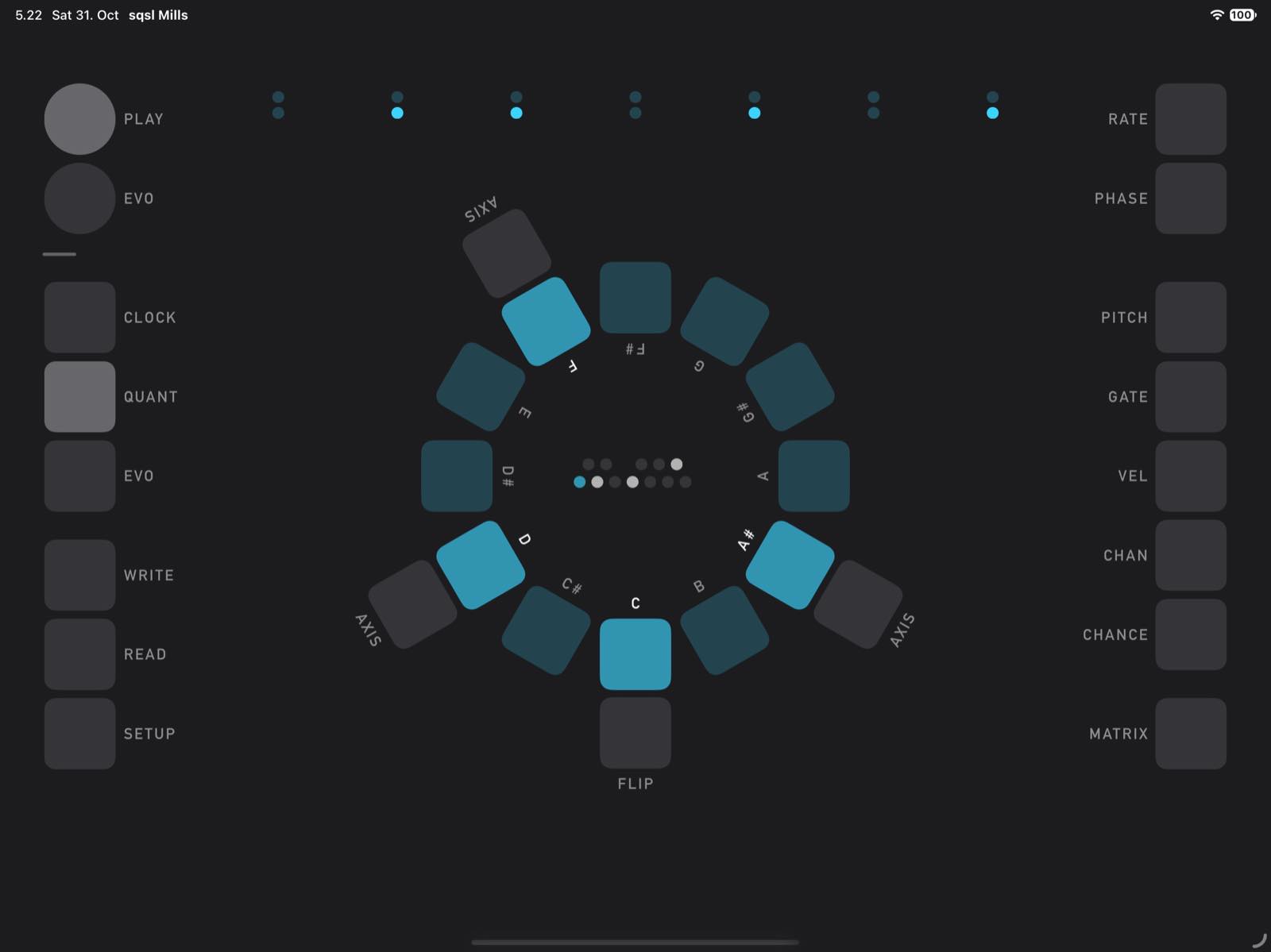
All seven channels share one quantizer, which decides which notes the sequence can play. On the QUANT page, the 12 pitch classes form a circle, running chromatically clockwise. Each has a button that turns it on or off, and the classes you turn on form the scale, which appears as a pattern on the circle. A small keyboard-style display in the center shows the same notes, with the root highlighted.
The root note always sits at the bottom of the circle. Every other active pitch class has its own AXIS button, which makes that class the new root. This keeps the same notes but gives them a new center. For example, setting A as the root of a C major pattern gives A natural minor.
The root is called the axis because of the FLIP button below it. Imagine a vertical line running through the root: Flip mirrors the pattern across that line, which inverts the interval distances of the active pitch classes: a note a given distance above the root moves to the same distance below it. The root stays in place, and the scale takes on a different character. For example, flipping C major around C gives C Phrygian:
- Before the flip: C D E F G A B
- After the flip: C C# D# F G G# A#
Rows of values
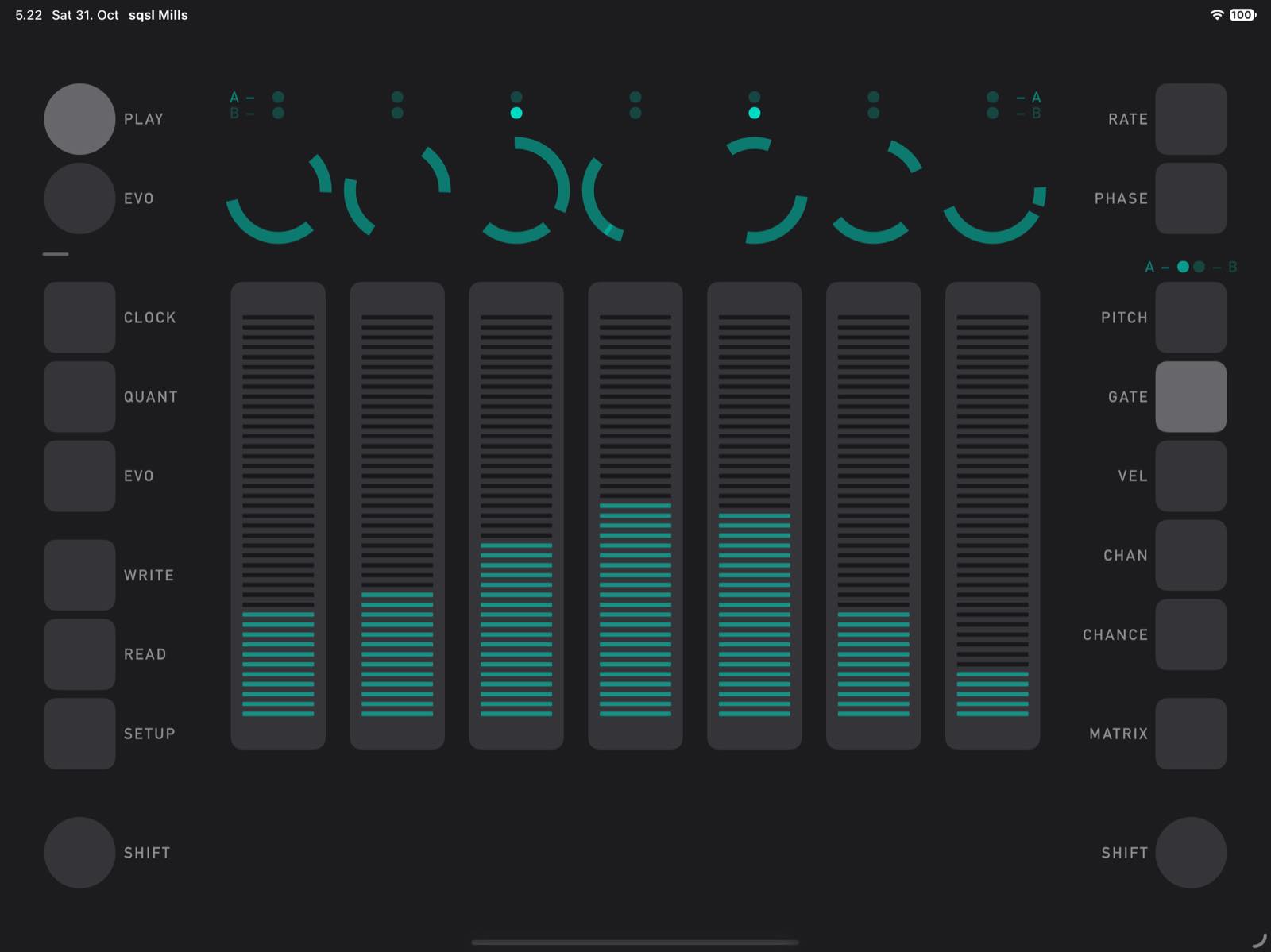
With seven channels and two groups, each note parameter forms two rows of seven values, one row for Group A and one for Group B. For example, there is a Group A pitch row and a separate Group B pitch row.
You set each row by hand with seven side-by-side sliders, one per channel, and switch between Groups A and B with a selector. A row's shape is visible at a glance, and you can adjust one value at a time or sweep across several with your fingers. This makes shaping a sequence quick and hands-on, and you can hear each change as the pattern plays. On the PITCH page, a ROOT button sits below each slider.
Rate, Phase, Divider and Sync belong to the generators themselves, so they have one setting per generator rather than separate A and B values.
Shifting
You can change the combined sequence by rotating the values within a row. If you shift the Group A pitch row one step to the right, channel 2 takes the pitch that channel 1 had, channel 3 takes the pitch from channel 2, and so on, with channel 7's value wrapping around to channel 1. Root settings move together with the pitch values. Only that row moves, so each channel keeps its velocity, gate length and other settings.
What a shift does depends on the row:
- PITCH, VEL AND CHAN: the triggers stay where they are and pick up different values, so the same values land on different moments in the pattern.
- GATE AND CHANCE: these also change how long a note lasts or how likely it is to play.
- RATE, PHASE AND DIVIDER: these change the timing itself, because each generator takes on a different speed, pulse width or division.
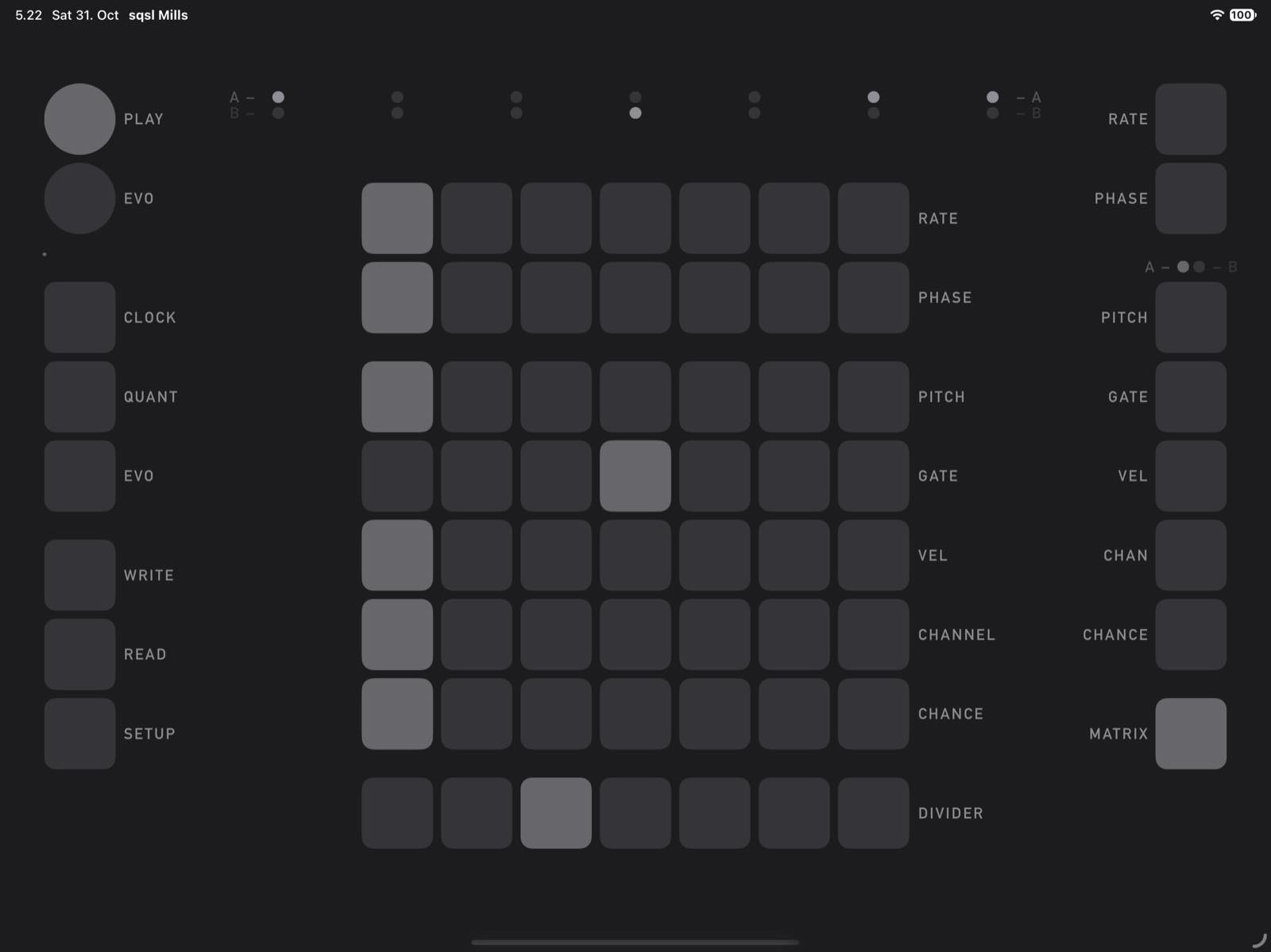
The MATRIX page shows the current shift position of all eight rows (Rate, Phase, Pitch, Gate, Vel, Channel, Chance and Divider) and lets you shift any of them from one place. An A/B selector chooses which group's rows you're working with.
Evolution
The built-in EVO system automates changes so a sequence can keep evolving over time. It has its own pulse generator, and each pulse moves the parameters you've selected one step left or right.
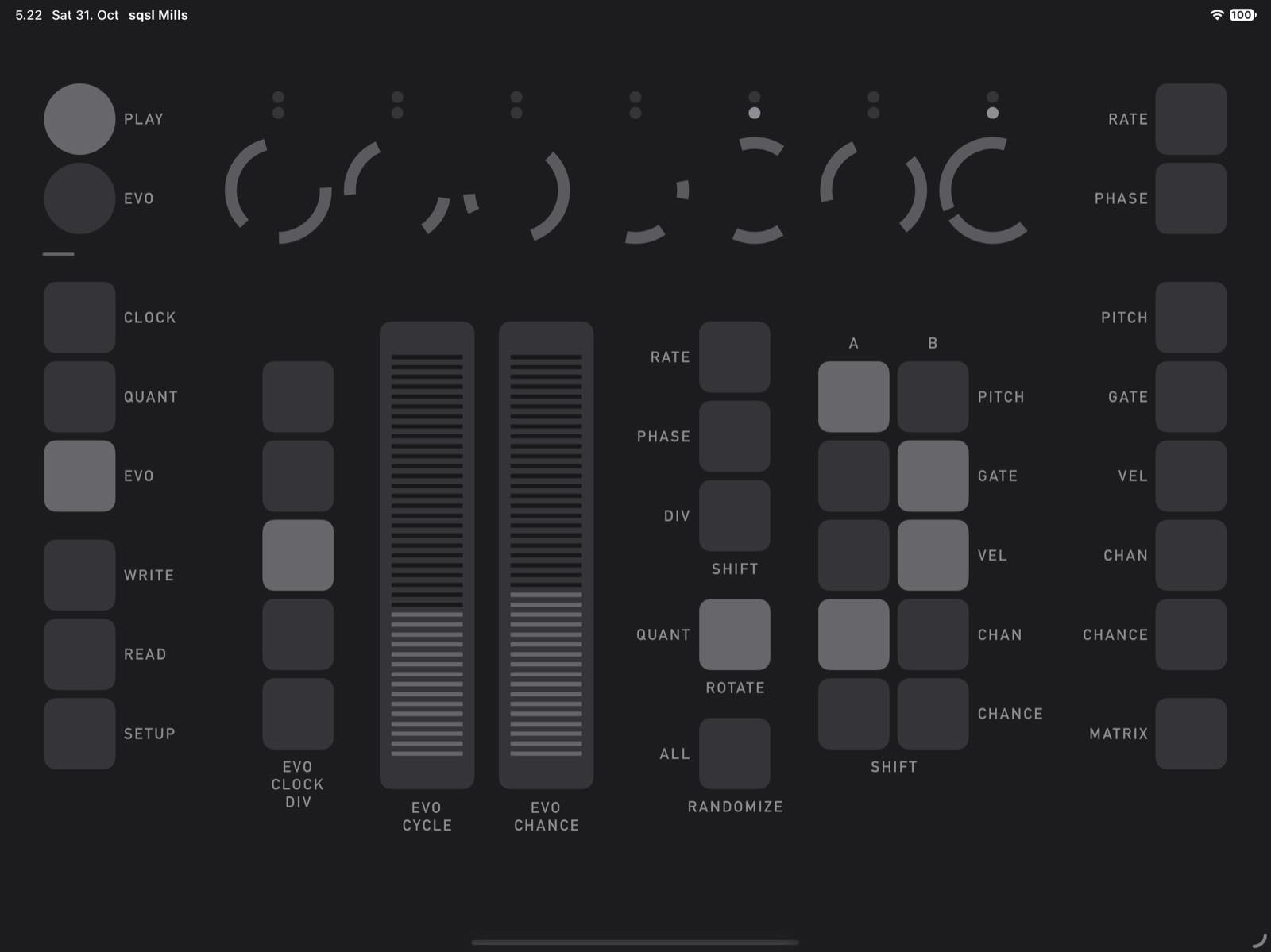
On the EVO page you choose what can change:
- SHIFT: Rate, Phase and Div, plus Pitch, Gate, Vel, Chan and Chance, which you can select separately for Groups A and B
- QUANT ROTATE: rotates the quantizer so that a randomly selected active pitch class becomes the new root, just as if you had tapped its AXIS button; this only changes the final pitch of notes that have ROOT turned on
- ALL RANDOMIZE: randomizes most parameters, but leaves MIDI channels and Evo settings unchanged
EVO CLOCK DIV, EVO CYCLE and EVO CHANCE set how often and how likely these changes are.
Saving
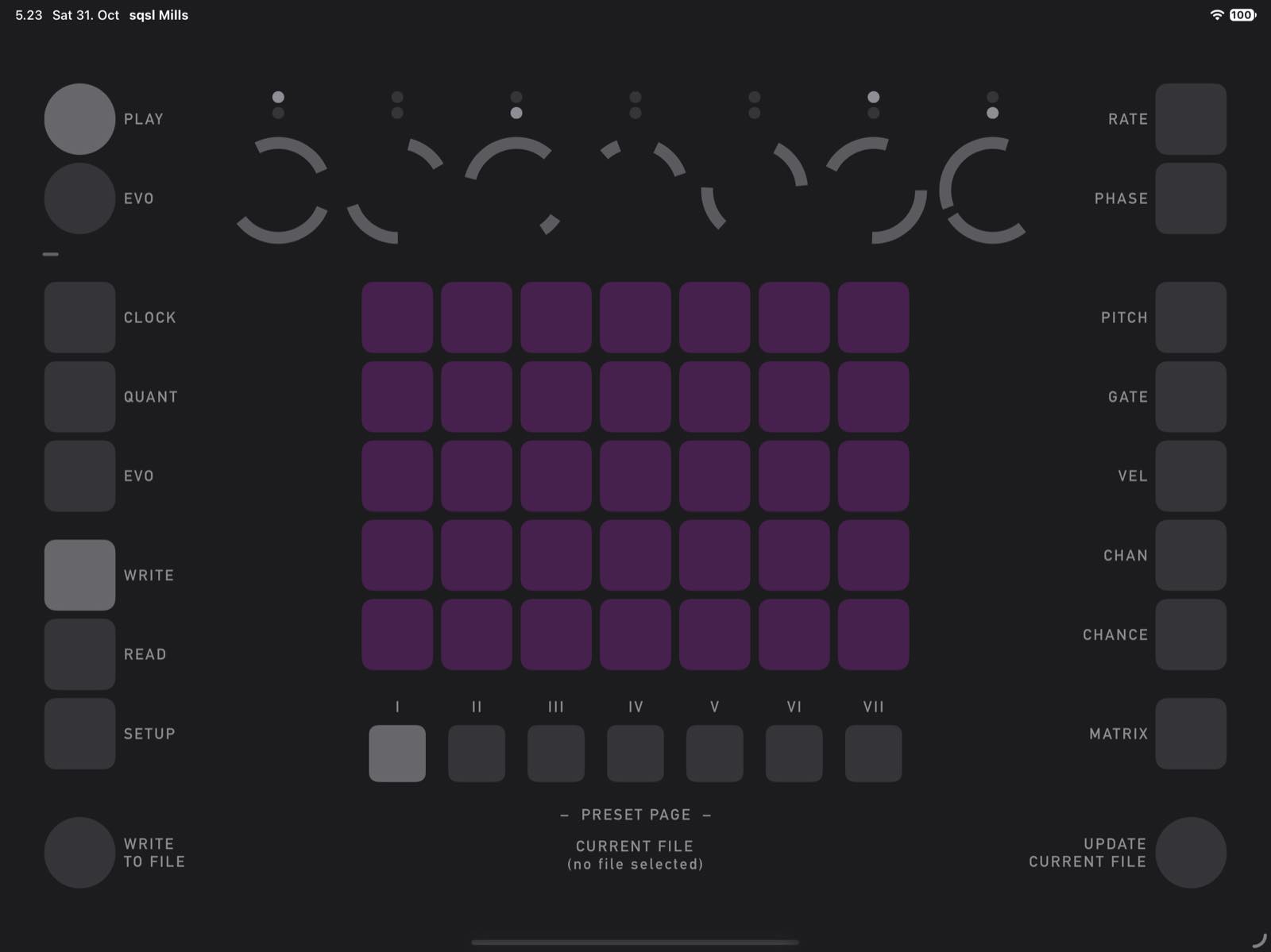
Current sequencer parameters/state (except MIDI Output and Clock Send) can be saved into a preset position internally within the app, or saved to an external file (WRITE TO FILE). The last file that was loaded or saved becomes the current file and can be updated (overwritten) using UPDATE CURRENT FILE.
NOTES:
- sqsl Mills does not produce sound on its own. It sends MIDI notes and, optionally, MIDI clock messages.
- It is a standalone app (not AUv3).
- This app is more of an experiment than a conventional composing tool (same as my other sequencers). It doesn't aim for musical results in the classic sense, the output often sounds chaotic and strangely annoying.