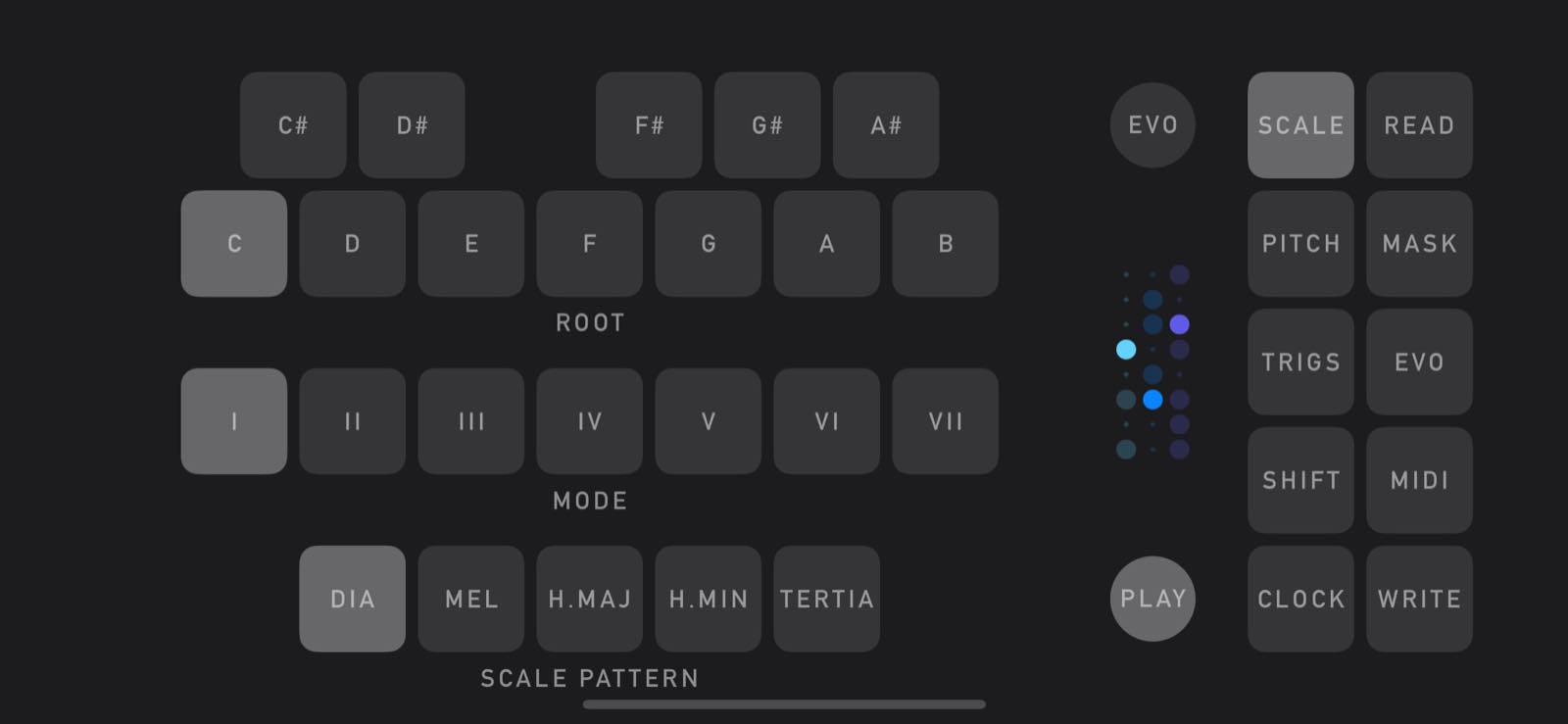
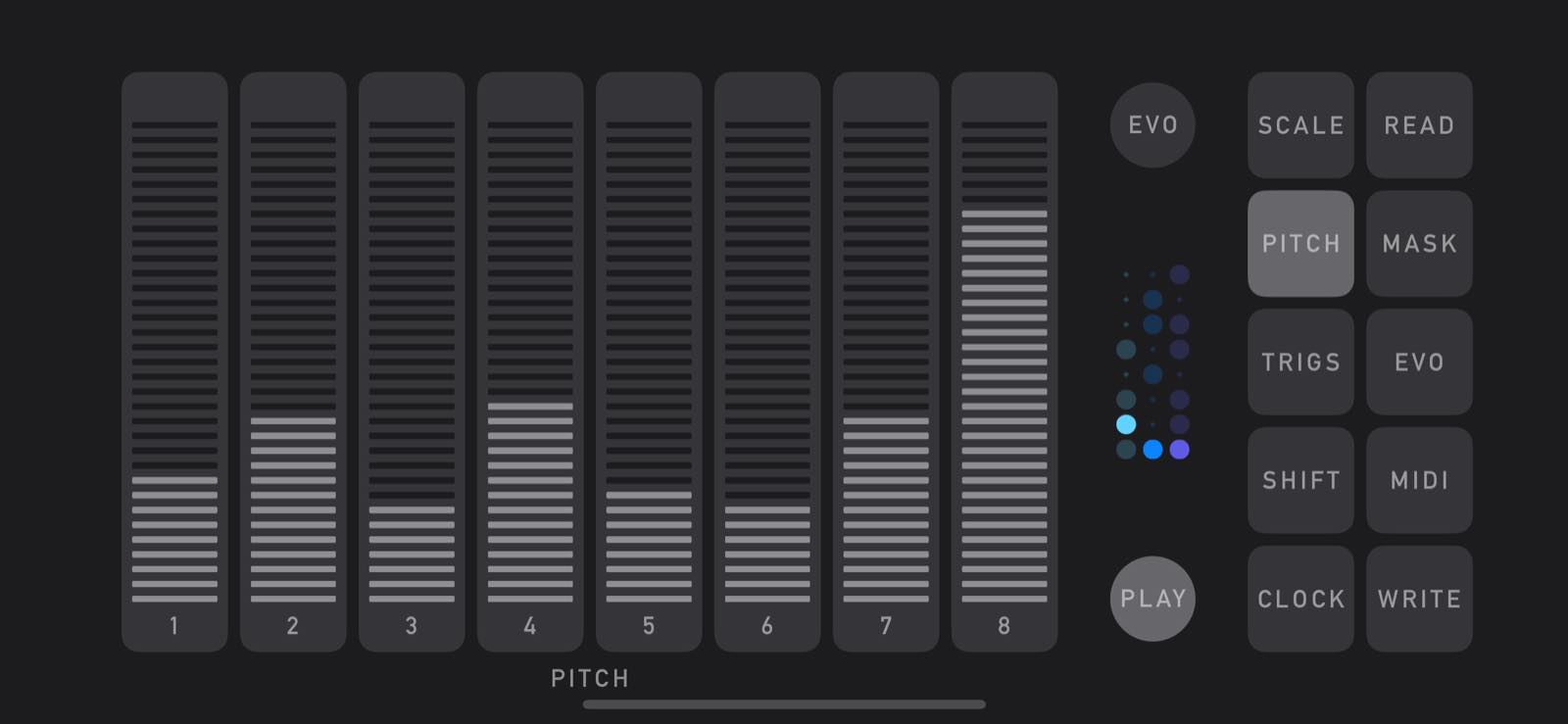
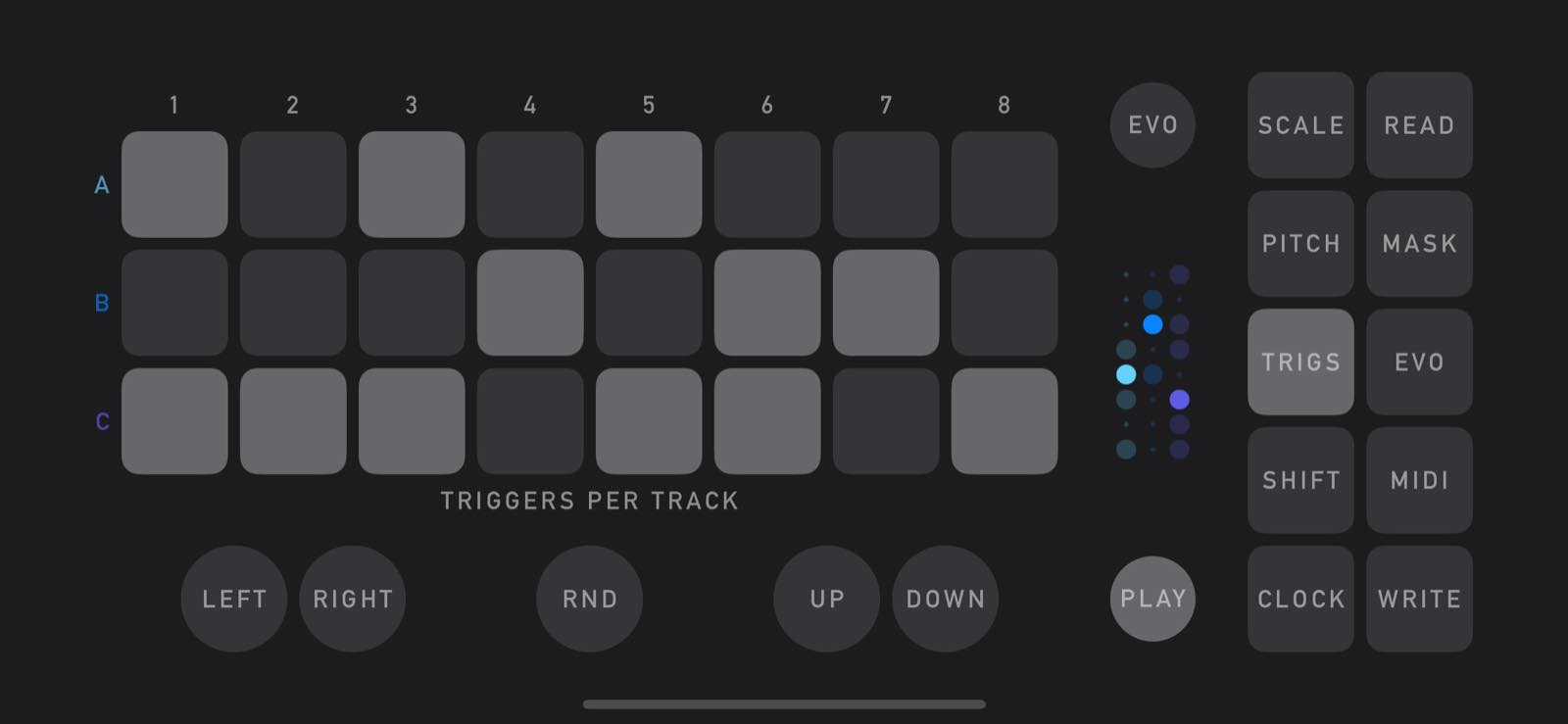
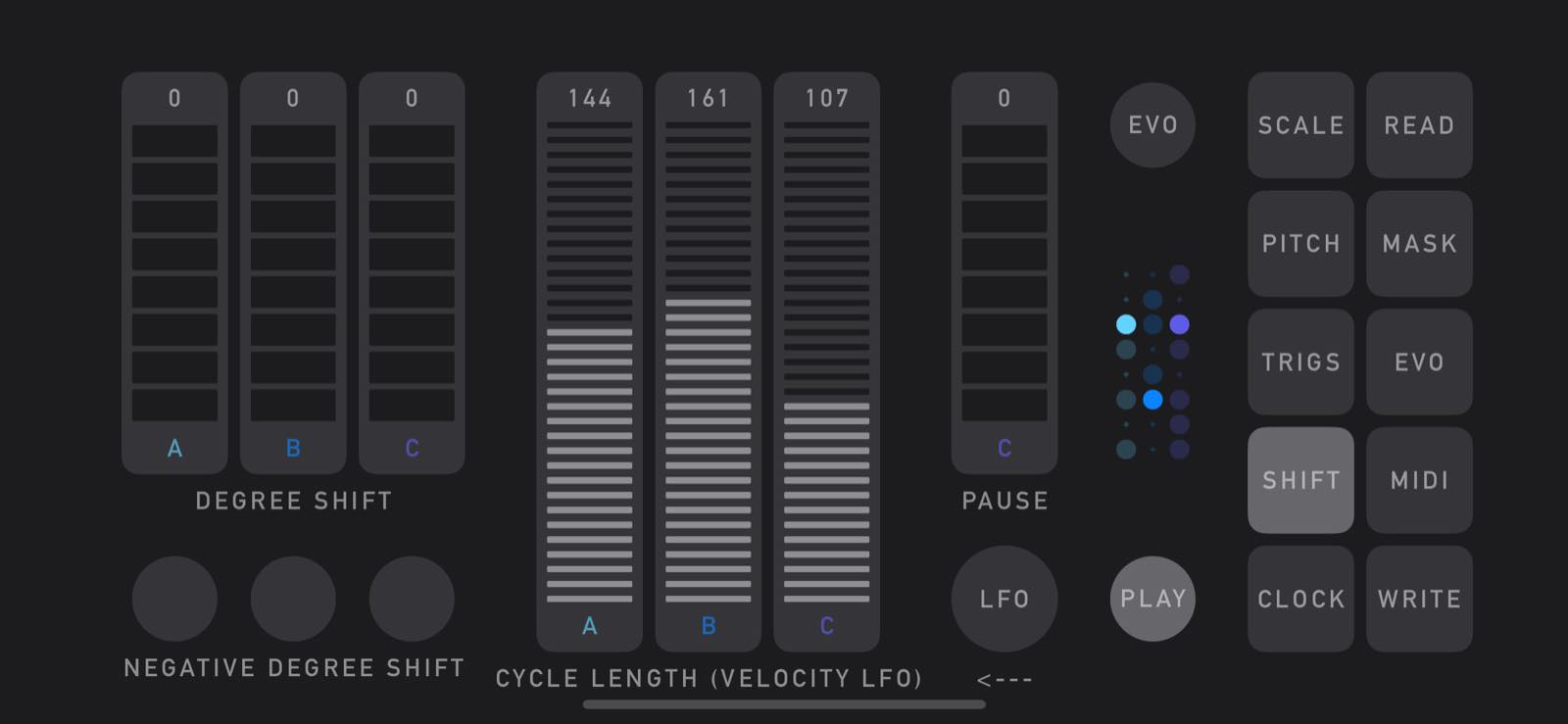
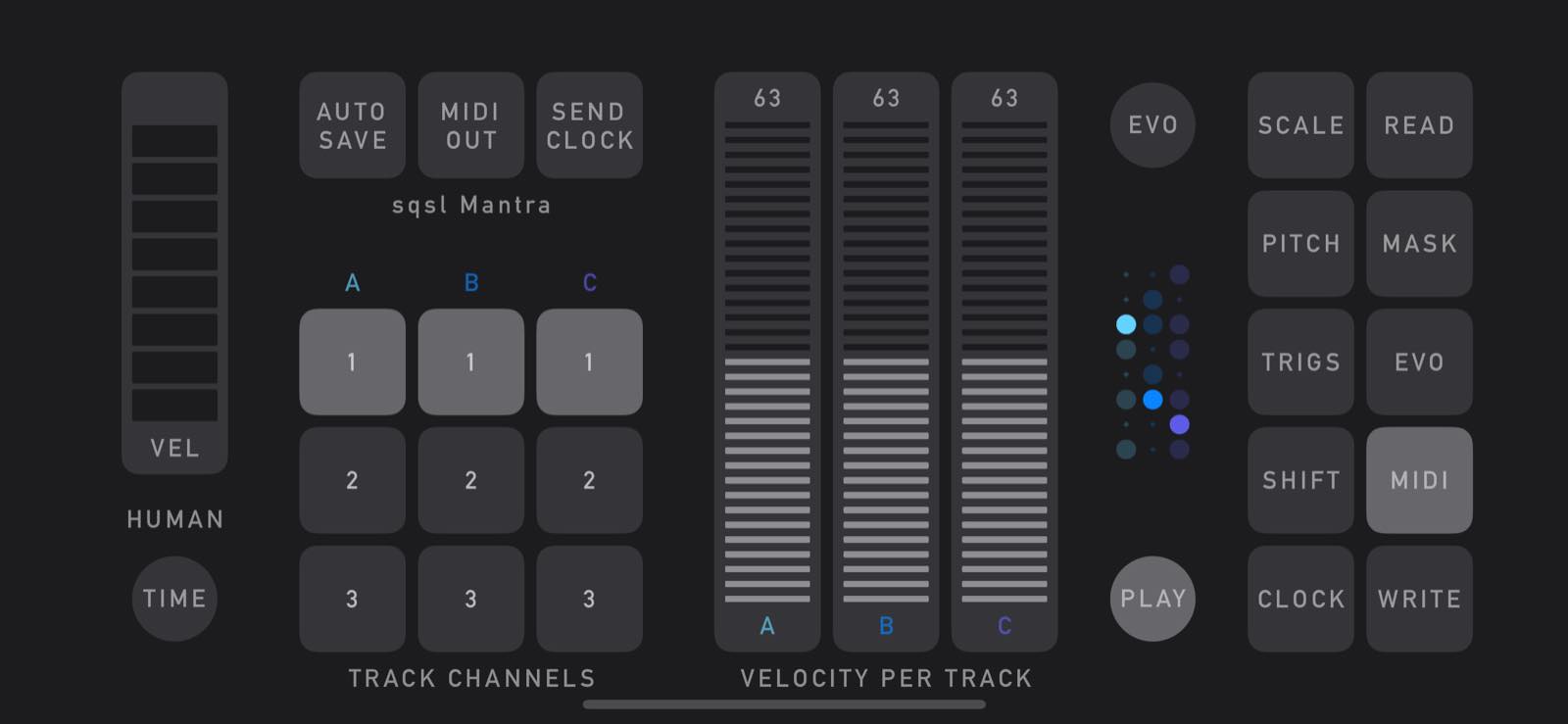
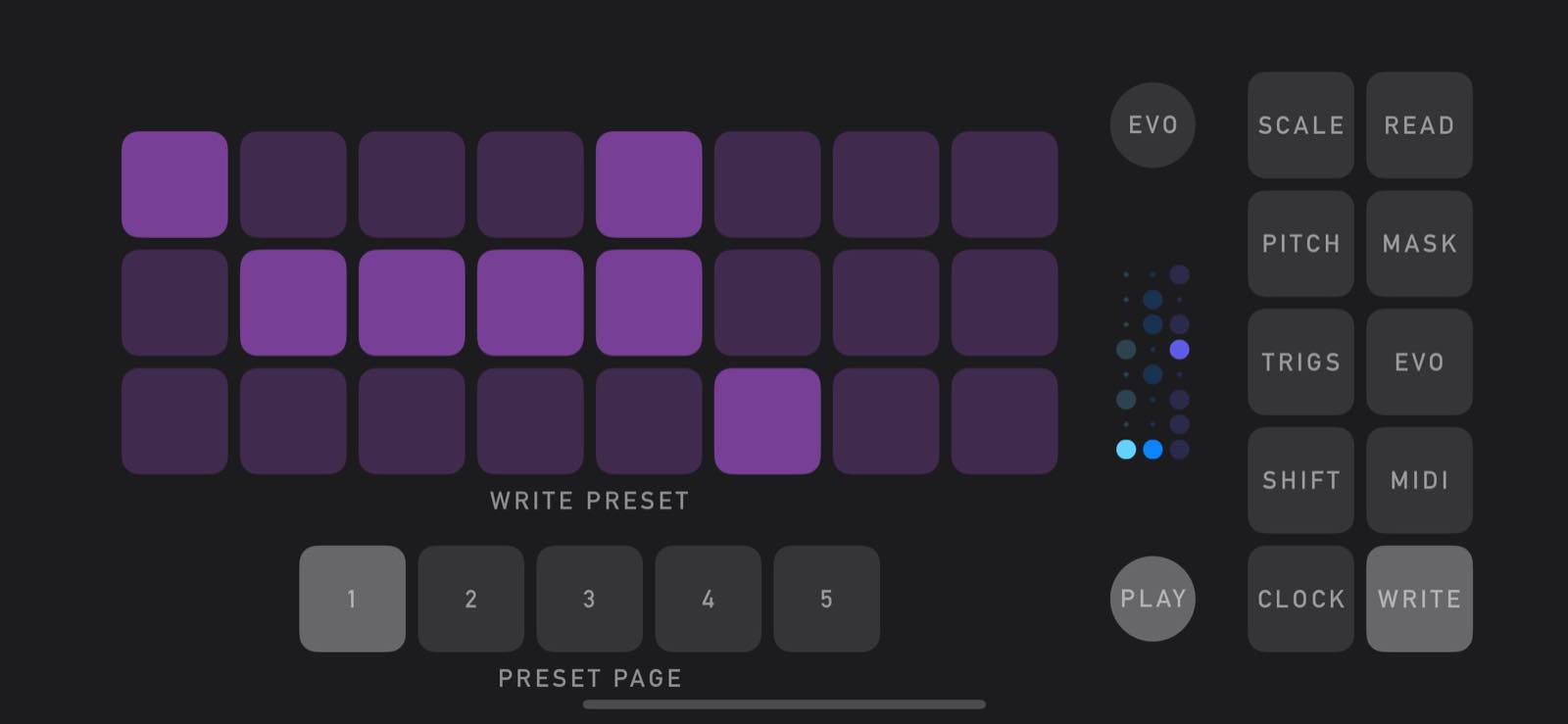
Mantra emerged from my experimentation with the iPhone’s user interface (mainly its limitations in terms of physical size). It began as a simple sequencer with 8 steps and 3 tracks, gradually evolving into a more complex tool. The workflow is built around “playing with variations” generated using transformations, rather than direct adjustments to individual step parameters. Available transformations are deliberately chosen to minimize complete randomness - for instance, when trigger patterns are randomized, step states are not created from scratch but instead shifted or swapped/evolved from their current existing state. In that way it can be considered as my personal take on concept of Goldberg’s variations - taking a simple foundation (row of 8 pitch values in this case) and building a number of musical possibilities from it.
Given the nature of this workflow, I’ve added automated output capture to MIDI files so the app can serve as a generator of raw source MIDI material that can be further developed in DAW.
The UI is optimized for iPhone screens - the app functions also on iPads but the interface may appear oversized.
FEATURES
- 3 tracks (A, B, C)
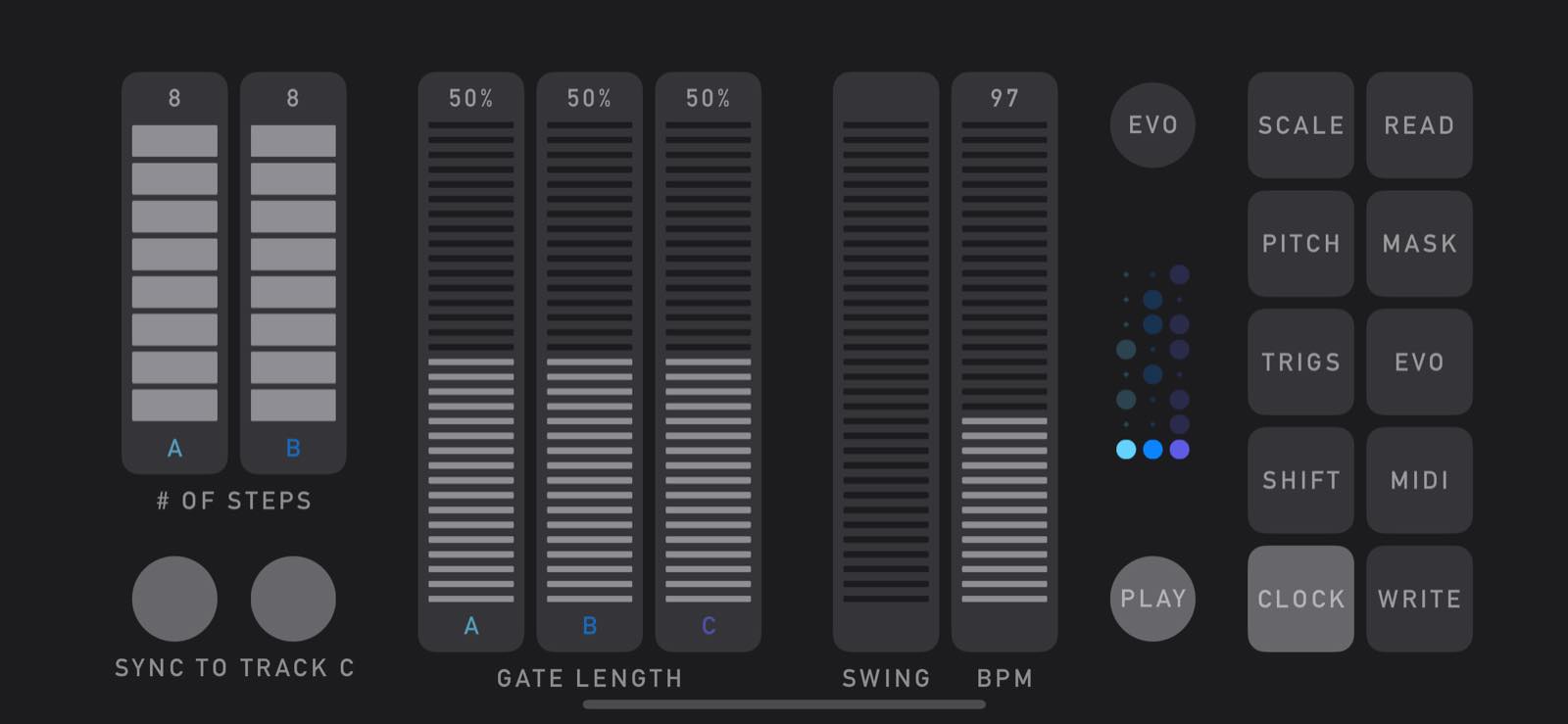
- Track B runs at half the speed of Track A; Track C runs at half the speed of Track B
- Triggers for each track (3 × 8 triggers)
- Pitch values shared across tracks (sequence of 8 values)
- Heptatonic scales quantizer (5 scale patterns × 7 modes × 12 roots)
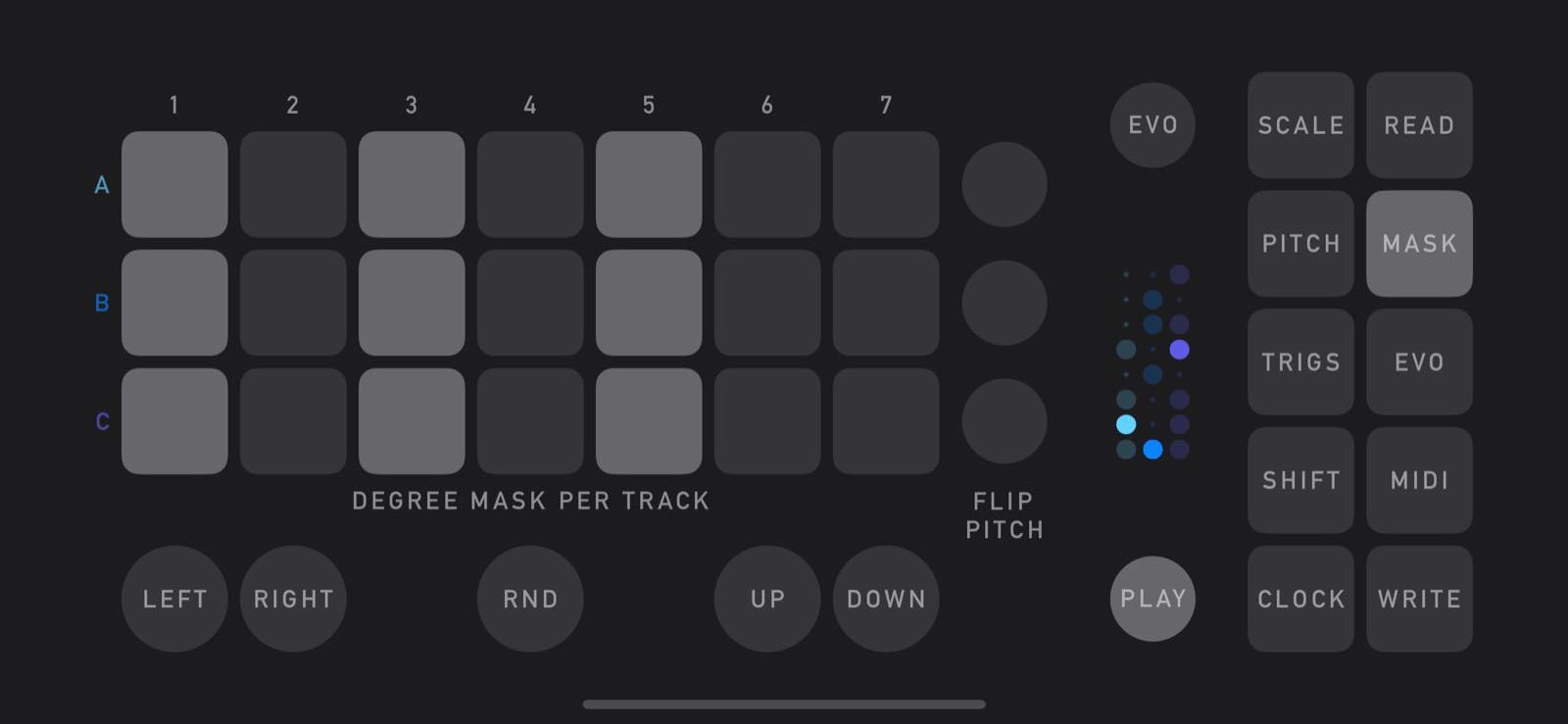
- Degree mask per track (exclusion of specific degrees from the scale)
- Degree offset (transposition) per track
- Gate length per track
- Track length control for Track A and Track B, with optional reset synced to Track C loop end
- Track C Pause control (Track C will wait 0-8 steps before looping back to start)
- Swing and BPM clock control
- Velocity and MIDI channel (1–3) per track
- Velocity can be modulated by LFO (per track) with Rate and Amount control
- Optional automatic pattern evolution synced to Track C loop end
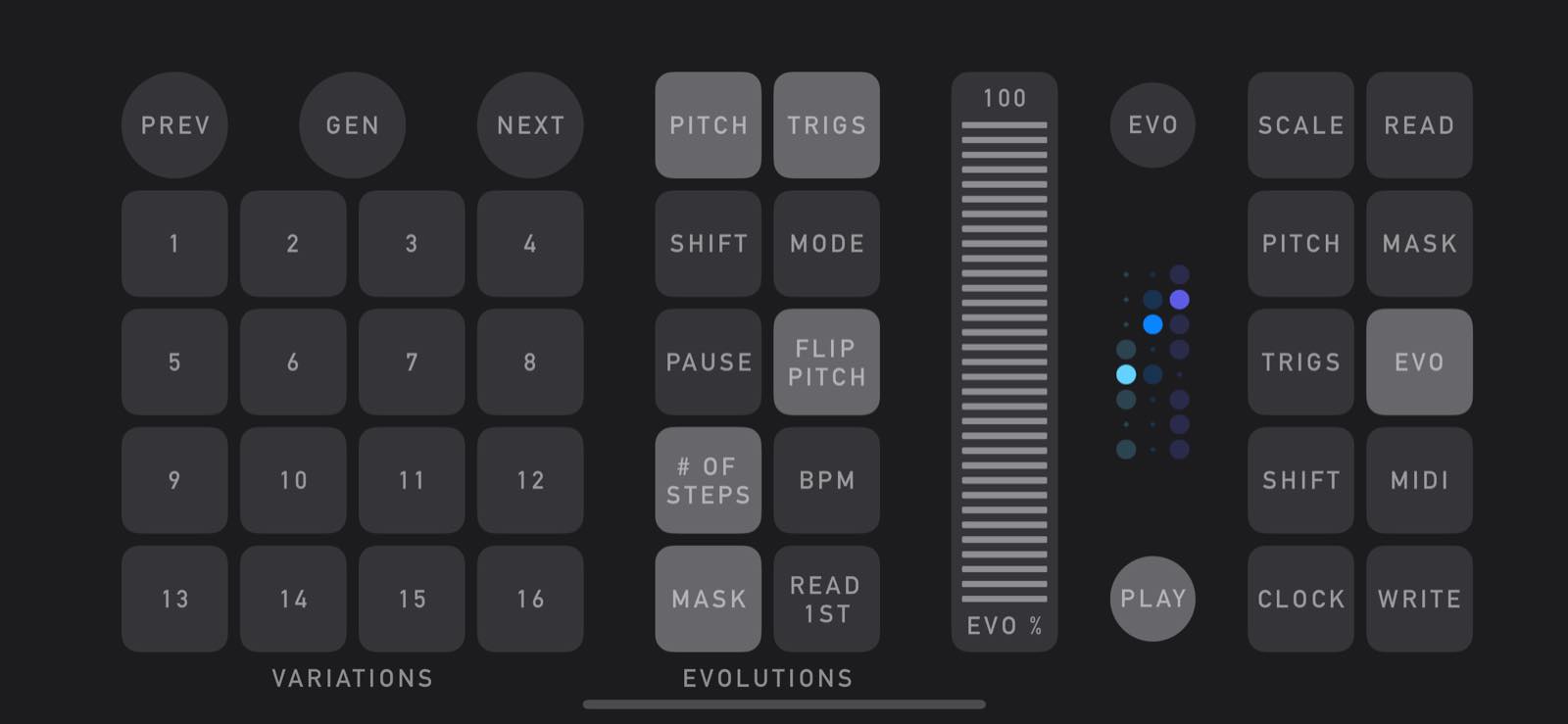
- Evolution has selectable groups of processes/transformations
- Variations generator based on current pattern and evolution settings (16 x 4 variations)
- Optional automatic capture of output to .MID files (synchronized to Play button)
VARIATIONS
Variations are generated (GEN button) sequentially - the current state of parameters is copied and saved to the first position on the variation page (1, 17, 33, 49), then one of the enabled transformations is applied and the result is saved in the following (second) position, then the parameters of the second position are transformed and the result is saved to the third, etc., until all 16 variations on the pages are generated. So theoretically the last position should be the most different from the first. There are some parameters that are not affected by transformations (eg, Root Note, Scale Pattern, Swing, Gate Length, Velocity, MIDI Channel…) so those are not saved within variations.
EVOLUTION
When evolution is triggered, it will randomly select one of the enabled transformation groups and apply one of the transformations contained in that group. Below is the list of available groups and transformations within them:
PITCH
- The order of pitch values is reversed
- Two pitch values are swapped
TRIGS
- Two trigger states are swapped (within a single track)
- Trigger patterns of two tracks are swapped
- The trigger pattern of a single track is reversed
SHIFT
- The degree is shifted randomly on a single track
MODE
- The mode is changed randomly
MASK RND
- The degree mask is randomized (across all 3 tracks)
FLIP PITCH
- The pitch invert state of a single track is changed (the first step value acts as the axis and other values are flipped vertically around it)
# of STEPS
- The track length of A or B is changed to a random value
BPM
- BPM is halved or doubled
- BPM is inverted (120 BPM taken as the axis)
- BPM jumps to a random value
MASK SHIFT
- The degree mask is shifted horizontally by one step (left or right)
READ 1ST
- First variation on current variation page is loaded (this transformation is excluded from variation generation – can only be triggered by Track C loop end).
PRESETS
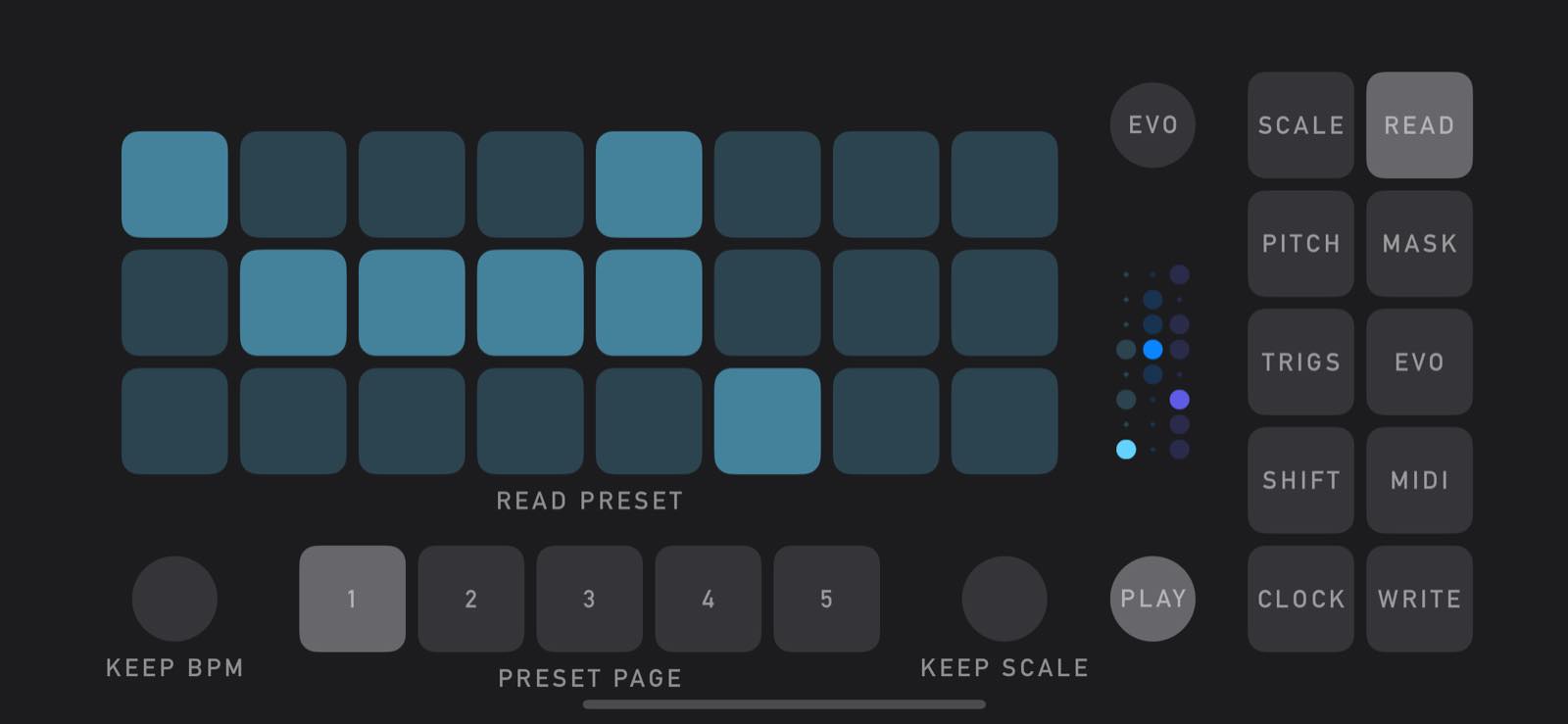
There are 5 × 24 available slots for user presets. BPM and scale settings can be ignored when loading a preset. Evolution variations (64) are saved within presets.
AUTOSAVING - MIDI files
Output can be automatically saved to a .MID type. File will be located at the “On My iPhone/sqsl Mantra” folder and named using the current date and time. Takes start when PLAY is activated and end/save when PLAY is deactivated. File saving can be enabled (“AUTO SAVE” setting on the MIDI page) even after playback has started, since note events are always automatically captured in memory.